CODE42 SOFTWARE
I led an update across 1,600 support articles to make them more readable for our diverse audience and more findable by all users, using plain-language standards, research, and common sense. A few small, simple changes led to a reduced cognitive load and higher customer satisfaction.
The problem
At Code42 we maintained over 1,600 help articles, which were used by IT experts, small business owners, and home users (a wide variety of abilities) to run their admin consoles and devices on their account. Some users were native English speakers, but many were not. Our standard format was unhelpful for a few reasons.
- Many titles and headlines started with ambiguous gerunds (words ending in -ing), which can sometimes have double-meanings.
- Our analytics revealed that many people search using a “how do I…” format, followed by a simple verb (e.g., “how do I restore files?”).
- All of our titles and headlines used Every Word Capitalized, which lowers readability for everyone, including non-native and native English speakers.
These issues made it harder to scan and search a large library of technical support articles.
What I did
I researched best practices, plain-language/readability standards, and common patterns in Google, Apple, Microsoft and other large tech firms’ support articles. I then led a project to update all 1,600 of our help articles to follow a new plain-language standard:
- Changed the gerunds to simple verbs, reducing ambiguity and matching the familiar search format.
- Changed the titles and headlines from Every Word Capitalized to sentence case, increasing readability.
The result
After the updates, our articles were aligned with the way users searched (i.e., they were easier to find). And the entire support system had less ambiguity and greatly improved readability (i.e., everything was easier to understand, from experts to new users, for native English speakers and international users alike).
When you’re the new data-backup console admin for the entire company (simply because you’re the next-smartest guy in the room after the last guy left), every little bit of clarity helps.
Examples:
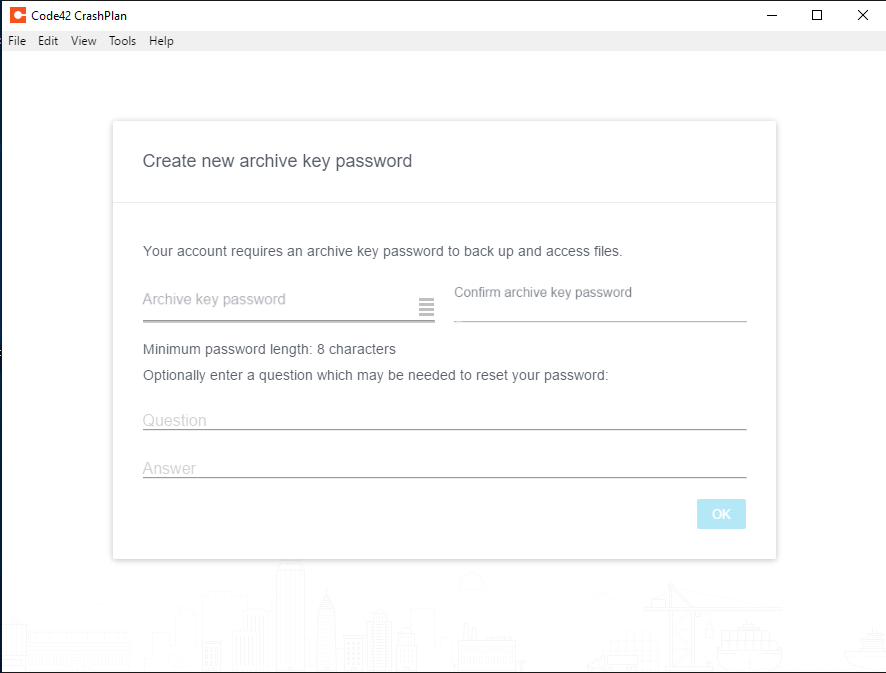
Before: “Creating A New Archive Key Password”
After: “Create a new archive key password”Before: “Deleting Files From Your Backup Archive”
After: “Delete files from your backup archive”Before: “Signing Out Of The Backup Agent”
After: “Sign out of the backup agent”

